Microsoft Office 2024 & 2021 Perpetual Lifetime Licenses
Enjoy full offline desktop versions of Microsoft Word, Excel, PowerPoint, Outlook, and Access without monthly subscription fees. Activate directly through official Microsoft servers at setup.office.com.
Save over $109/year compared to Microsoft 365. Enjoy full perpetual license rights with zero cloud lock-in.
Link your key directly to your personal or work Microsoft account for easy re-installation at any time.
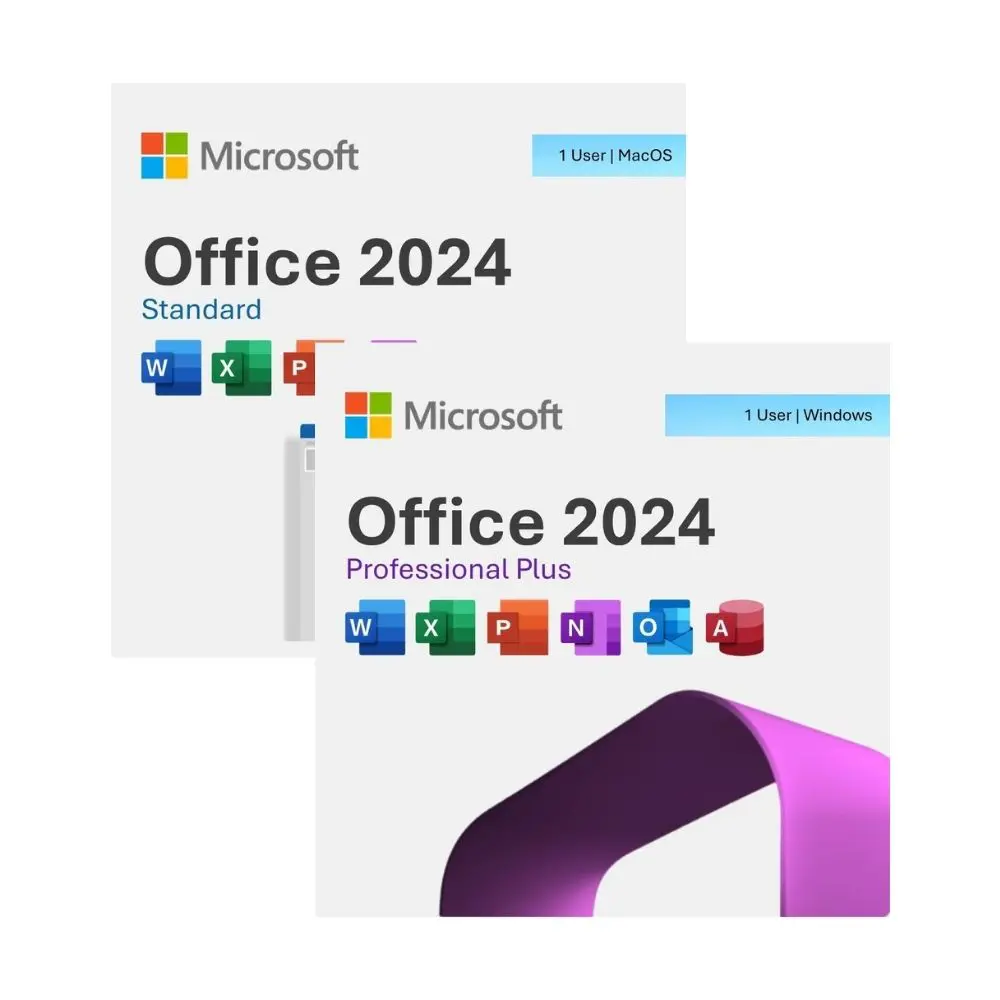
Choose between dedicated Windows Professional Plus editions or cross-platform Home & Business packages.
Featured Edition Licenses & Direct Activation Keys
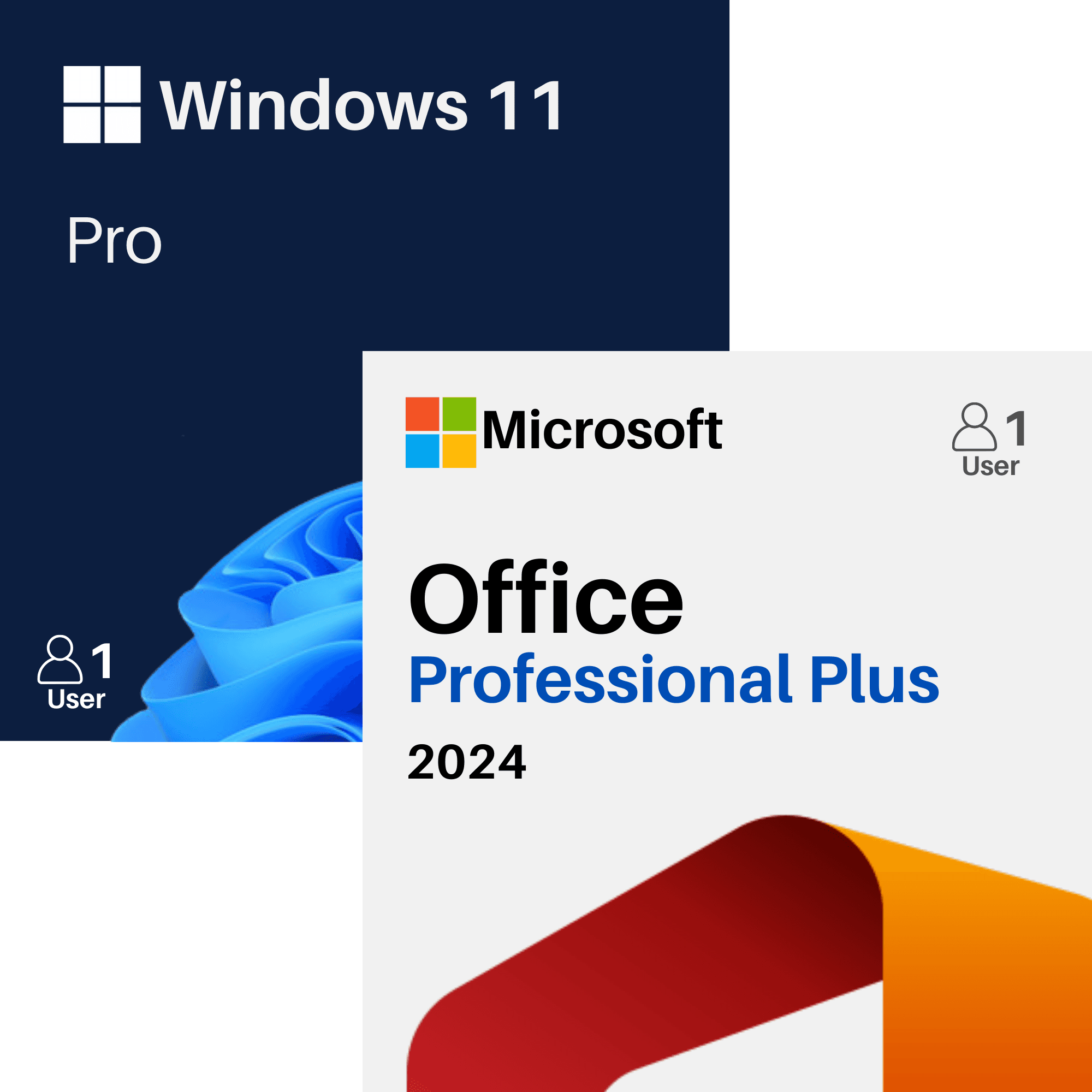
Looking for a specific standalone license? Choose your exact edition:Office 2024 Professional Plus
The newest standalone desktop suite with modern formulas, dynamic charts, and lifetime desktop apps.
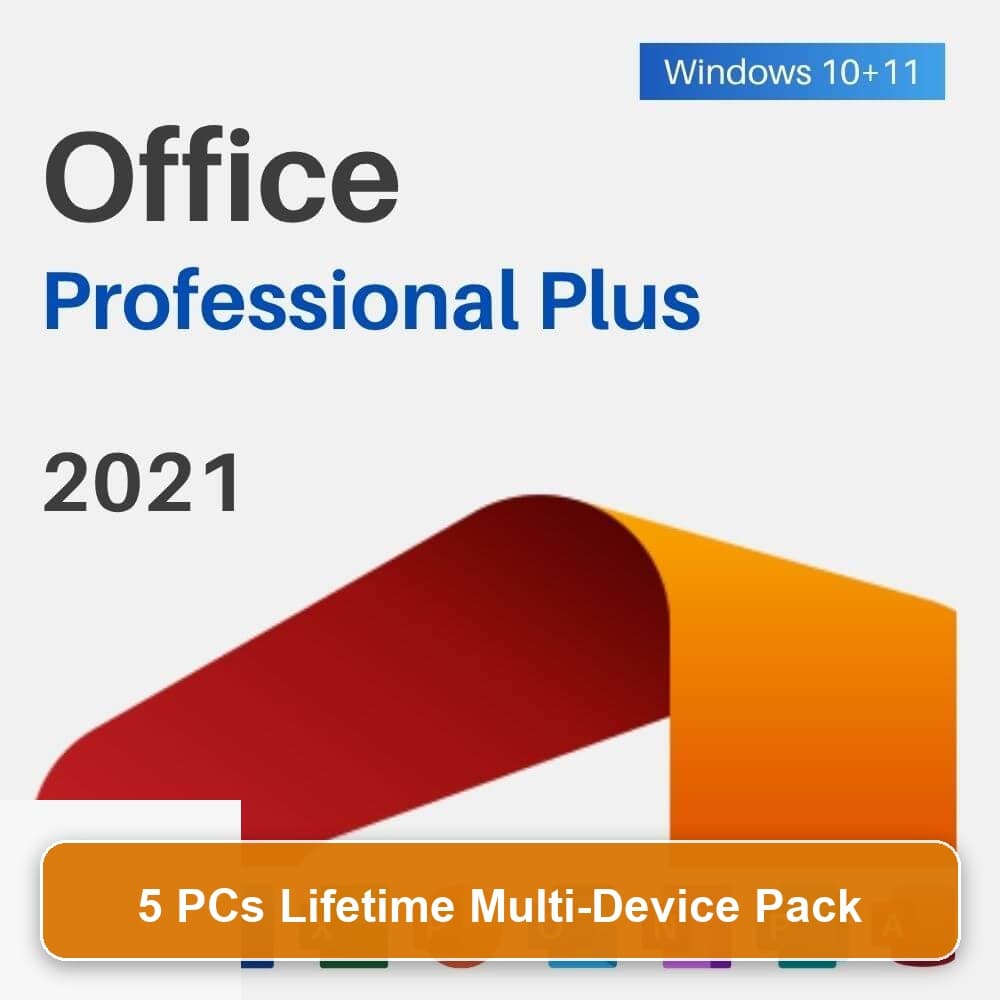
Office 2021 Professional Plus
Comprehensive desktop suite including Word, Excel, PowerPoint, Outlook, Access, and Publisher.
Office 2016 Professional Plus
Tested lifetime suite compatible with older Windows 7, 8.1, 10, and modern Windows 11 machines.
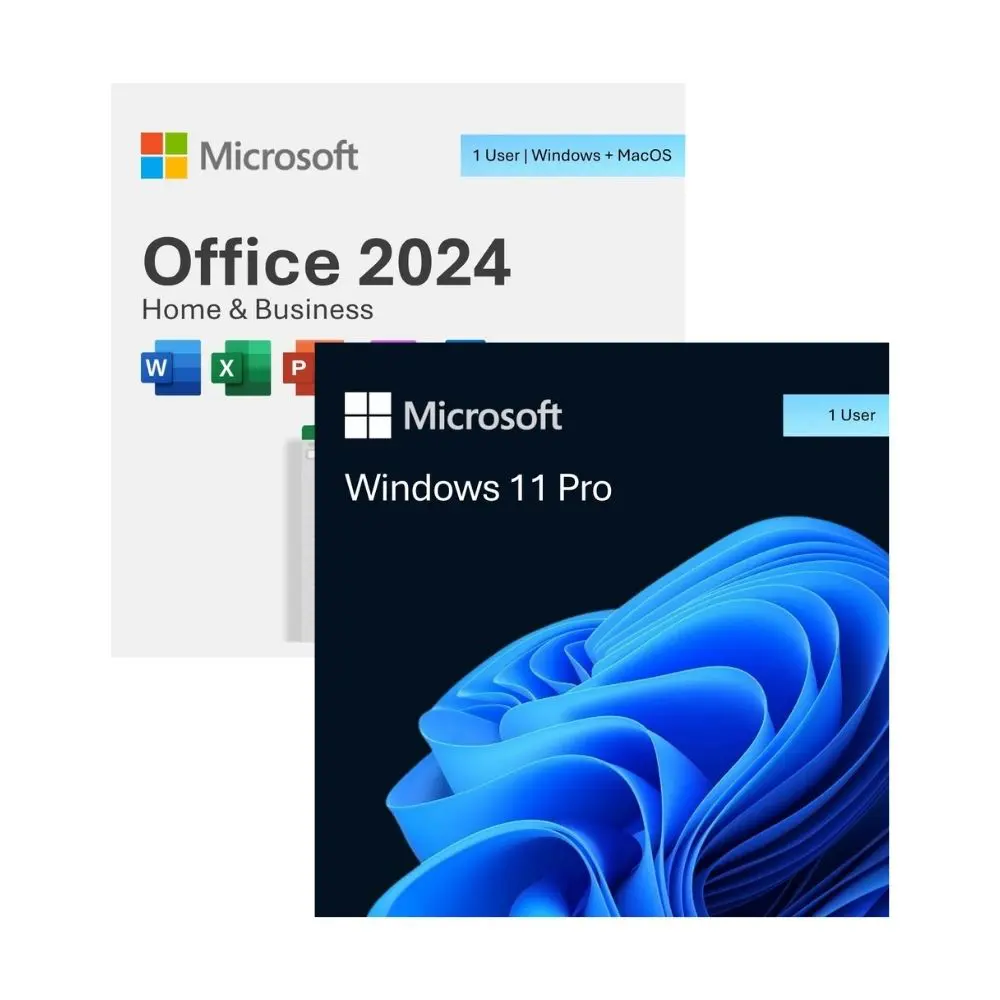
Office 2024 Home & Business (Mac/PC)
Standalone perpetual Office license engineered for Apple Silicon and Intel macOS Sonoma & Sequoia.
Frequently Asked Questions about Office Suites
Go directly to https://setup.office.com, sign in with your Microsoft account, and enter your 25-character product key to bind the license and download the official installer.
Microsoft 365 requires recurring monthly or annual subscription fees. Office 2024 is a perpetual standalone license: you pay once and use classic Word, Excel, PowerPoint, and Outlook indefinitely.
Yes. Once downloaded and activated, all desktop applications (Word, Excel, PowerPoint, etc.) function 100% offline without requiring internet access or cloud sync.
Yes. For Apple Mac workstations, select Microsoft Office 2024 Home & Business or Standard for Mac, which is natively compiled for Apple Silicon (M1/M2/M3/M4) and Intel processors.